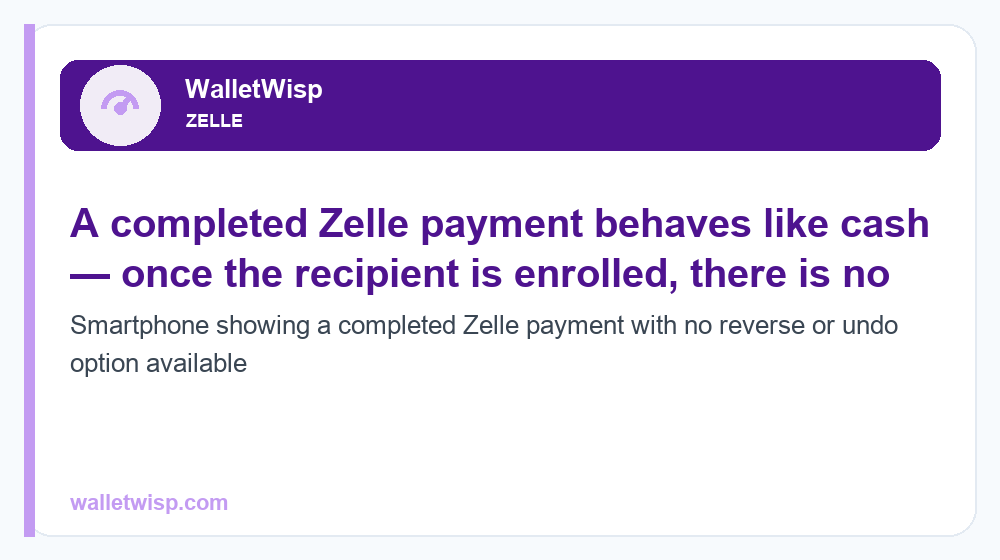
In most cases, no — a Zelle payment cannot be reversed once the recipient is already enrolled with Zelle. The money moves in minutes and is treated like handing over cash, so there is no “undo” button. The one real exception is a payment sent to someone who has not yet enrolled: that transfer stays pending, and you can cancel it before they sign up. If you were scammed, you can’t reverse the transfer yourself, but you should still report it to your bank and Zelle right away, because unauthorized fraud (versus a scam you authorized) may be recoverable under federal law.
Below we break down exactly when the question “can Zelle be reversed” has a yes answer, the crucial difference between reversing, canceling, and disputing, and the step-by-step recovery process if money went to a scammer or the wrong person.
Can Zelle Be Reversed? The Short Answer
Zelle is a bank-to-bank instant payment network. When both people are enrolled, funds typically settle within minutes and land directly in the recipient’s bank account. There is no holding period and no built-in clawback, which is why Zelle and every participating bank repeat the same warning: only send money to people you know and trust.
So the honest answer to “can Zelle be reversed” is:
- Recipient already enrolled? No. The payment is complete and cannot be reversed by you. Your only path is a cancel-if-pending (won’t apply here) or a dispute with your bank.
- Recipient not yet enrolled? Yes, effectively. The payment shows as “pending” until they enroll, and you can cancel it from your banking app or the Zelle experience — the money returns to you.
Also note a 2025 change: the standalone Zelle app was discontinued. Zelle now works only inside participating banks’ and credit unions’ own apps, so all canceling, sending, and dispute steps happen through your bank’s app or website — not a separate Zelle app.
Reverse vs. Cancel vs. Dispute: Know the Difference
People use these three words interchangeably, but they mean very different things and lead to very different outcomes. Getting the terminology right helps you act fast and set realistic expectations.
- Reverse — Pulling back a payment that has already been delivered and received. With Zelle, this generally is not possible once the recipient is enrolled. There is no sender-initiated reversal of a completed Zelle transfer.
- Cancel — Stopping a payment that hasn’t been delivered yet. This only works while a payment is pending, which happens when the recipient hasn’t enrolled with Zelle. Cancel it and the money never leaves — or is returned to your account.
- Dispute — A formal claim filed with your bank asking them to investigate and potentially return your money. Disputes are your main recourse after a completed payment, and the outcome depends heavily on whether the transaction was unauthorized fraud or an authorized scam (more on that below).
| Action | When it’s possible | Who initiates | Typical outcome |
|---|---|---|---|
| Reverse | Essentially never for a completed Zelle payment to an enrolled user | N/A (no undo button) | Not available; escalate to a dispute instead |
| Cancel | Only while payment is “pending” (recipient not yet enrolled) | You, the sender, in your bank’s app | Money returned or never sent |
| Dispute | After a completed payment, especially unauthorized fraud | You file with your bank | Investigated; unauthorized fraud often refundable, authorized scams limited |
For the exact tap-by-tap process of stopping a pending transfer, see our guide on how to cancel a Zelle payment.
How to Cancel a Pending Zelle Payment
If the person you paid has not yet enrolled with Zelle, you’re in luck — the payment is recoverable. Here’s the general flow (steps vary slightly by bank):
- Open your bank’s mobile app or log in to online banking.
- Go to the Zelle section, usually under “Send Money,” “Payments,” or “Transfers.”
- Open your Activity or transaction history.
- Find the payment marked Pending.
- Select it and choose Cancel This Payment (or similar).
If you don’t see a Cancel option, the recipient has likely already enrolled and accepted the money — meaning the payment is complete and can no longer be canceled. At that point your only remaining option is to contact the recipient directly and politely ask them to send it back, or to file a dispute with your bank.
What to Do If You Were Scammed on Zelle
This is where the reverse-vs-dispute distinction matters most. Banks and Zelle draw a hard line between two situations, and your odds of recovery depend on which one you’re in.
Unauthorized Fraud vs. Authorized Scam
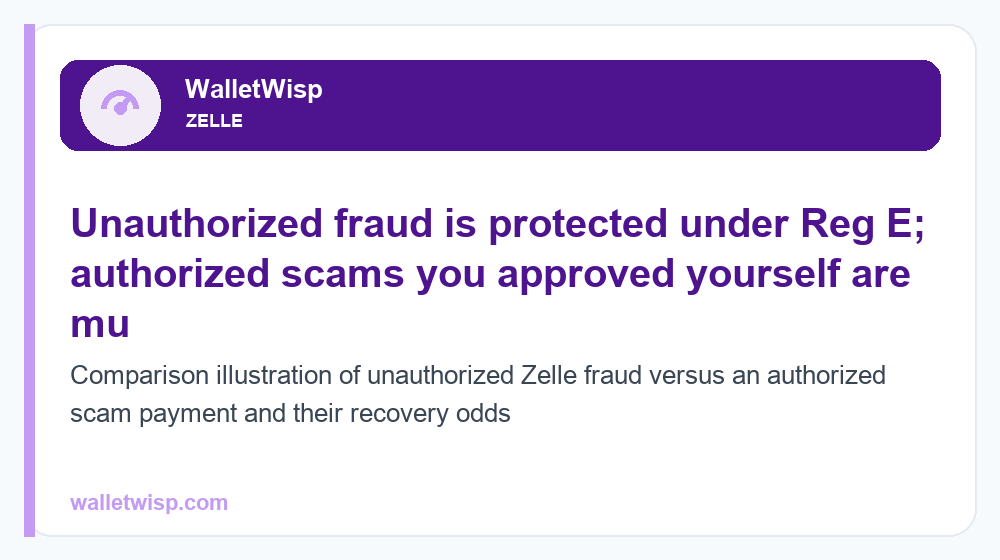
Unauthorized fraud means a payment you did not make or approve — for example, a criminal took over your account or accessed your app and sent money without your knowledge. In the U.S., these transfers are covered by the Electronic Fund Transfer Act and Regulation E, which requires your bank to investigate and, if the transaction is confirmed unauthorized, restore the funds. Report promptly to preserve your protections.
Authorized scam means you were tricked into sending the money yourself — a fake seller, a romance scam, a “your account is compromised” impostor posing as your bank, or paying for goods that never arrive. Because you authorized the transfer, Reg E protections are much weaker, and recovery is not guaranteed. That said, Zelle and its member banks have expanded some reimbursement for specific imposter-scam scenarios in recent years, so it is always worth reporting.
Immediate Steps After a Zelle Scam
| Step | What to do | Why it matters |
|---|---|---|
| 1. Report to your bank | Call the number on the back of your card or use in-app support immediately | Starts the Reg E clock; required to open a dispute |
| 2. Report to Zelle | Contact Zelle support (1-844-428-8542) or via your bank’s Zelle section | Flags the recipient account and scam pattern |
| 3. Document everything | Screenshot messages, amounts, dates, and the recipient’s details | Evidence strengthens your dispute |
| 4. Change credentials | Reset your banking password and enable 2FA if account access was compromised | Stops further unauthorized transfers |
| 5. File official reports | Report to the FTC (reportfraud.ftc.gov) and, for large losses, the FBI IC3 | Creates a paper trail; may aid recovery |
Move quickly. Federal timing rules reward fast reporting — the sooner you notify your bank of an unauthorized transfer, the stronger your legal protection. For a broader look at how these schemes work, read our overview of common P2P payment scams in 2026.
How to File a Bank Dispute for a Zelle Payment
A dispute is your formal request for the bank to investigate. Here’s how to file one effectively:
- Contact your bank promptly — by phone, secure message, or in person. Ask specifically to open a “Zelle dispute” or report an “unauthorized electronic transfer.”
- Classify it correctly — state clearly whether the transfer was unauthorized (you didn’t make it) or whether you were scammed into sending it. This determines which rules apply.
- Provide documentation — transaction date, amount, recipient info, and any screenshots of the scam.
- Get a claim number — write it down and note the representative’s name and the date.
- Follow up in writing — for unauthorized-transfer claims, banks generally must acknowledge and investigate within regulated timeframes and may issue provisional credit while they look into it.
- Escalate if denied — if the bank rejects your claim and you believe it was unauthorized, file a complaint with the Consumer Financial Protection Bureau (CFPB) at consumerfinance.gov.
Be realistic: for authorized scams, banks often deny reimbursement because you approved the payment. That’s frustrating, but reporting still matters and some scam categories now qualify for reimbursement.
How to Prevent Zelle Problems Before They Happen
Since reversal usually isn’t an option, prevention is your best protection. Treat every Zelle transfer like handing someone cash.
- Only send to people you personally know and trust. Never use Zelle to pay strangers, online sellers, or “marketplace” transactions.
- Double-check the recipient — confirm the phone number or email before sending. A single wrong digit sends your money to the wrong person.
- Ignore “verify your account” messages. Your bank will never ask you to Zelle yourself or send money to “protect” your account — that’s the most common imposter scam.
- Be suspicious of urgency. Scammers manufacture panic. Slow down and verify through official channels.
- Never send a deposit or “hold” for a rental, pet, ticket, or job you found online.
- Use a credit card for purchases from unknown sellers — cards offer chargeback protection Zelle does not.
Want to understand the network’s built-in safeguards and risks in more depth? See our full breakdown of whether Zelle is safe to use.
Frequently Asked Questions
Can Zelle be reversed once the money is sent?
Generally no. If the recipient is enrolled, the payment completes within minutes and cannot be reversed. Your only recourse is asking the recipient to return it voluntarily or filing a dispute with your bank, which is most likely to succeed only for unauthorized fraud.
What’s the difference between canceling and reversing a Zelle payment?
Canceling stops a payment that is still pending (because the recipient hasn’t enrolled yet), and the money returns to you. Reversing would pull back money that’s already been delivered — which Zelle does not allow. If you can’t find a Cancel button, the payment is already complete.
Can I get my money back if I was scammed on Zelle?
It depends. If the transfer was unauthorized (a criminal accessed your account), your bank must investigate under Regulation E and often refunds you. If you were tricked into sending the money yourself (an authorized scam), recovery is much harder and not guaranteed, though some imposter-scam categories now qualify for reimbursement. Report it regardless.
How long do I have to report an unauthorized Zelle transfer?
Report as fast as possible. Under federal Reg E rules, your liability for unauthorized transfers increases the longer you wait to notify your bank, so prompt reporting — ideally within two business days of noticing — protects the most money.
Is there still a standalone Zelle app in 2026?
No. The standalone Zelle app was discontinued in 2025. Zelle now works only through participating banks’ and credit unions’ own apps and websites, so you cancel payments and start disputes inside your bank’s app.
What happens if I send Zelle money to the wrong person?
If the payment is still pending (recipient not enrolled), cancel it immediately. If it’s already completed and went to a real enrolled account, you’ll need to contact that person and ask them to return it — the bank generally can’t force a reversal for a payment you authorized, even by mistake.
Will my bank refund a Zelle scam automatically?
Not automatically. You must report the incident and file a claim. The bank investigates and decides based on whether the payment was unauthorized fraud (more likely refunded) or an authorized scam (often not, though policies have expanded). Always request a claim number and follow up.
Can I dispute a Zelle payment with my credit card company instead?
No. Zelle pulls directly from your bank account, not a credit card, so there’s no card chargeback available. That’s exactly why using a credit card — not Zelle — for purchases from unfamiliar sellers gives you stronger protection.