The Chime ATM withdrawal limit in 2026 is typically about $515 per day at ATMs across all your Chime cards combined. You can pull cash fee-free at 60,000+ in-network ATMs (MoneyPass, Allpoint, and Visa Plus Alliance), while out-of-network machines usually cost about $2.50 per withdrawal plus whatever the ATM operator charges. To move more cash in a single day, use fee-free cash-back at retail checkout, which counts against a separate, often higher, daily limit.
Below we break down every Chime cash limit that matters in 2026 – ATM withdrawals, over-the-counter (OTC) bank withdrawals, cash-back at stores, and daily spending – plus exactly how to find free ATMs inside the Chime app and squeeze out more cash when you need it.
What is the Chime ATM withdrawal limit in 2026?
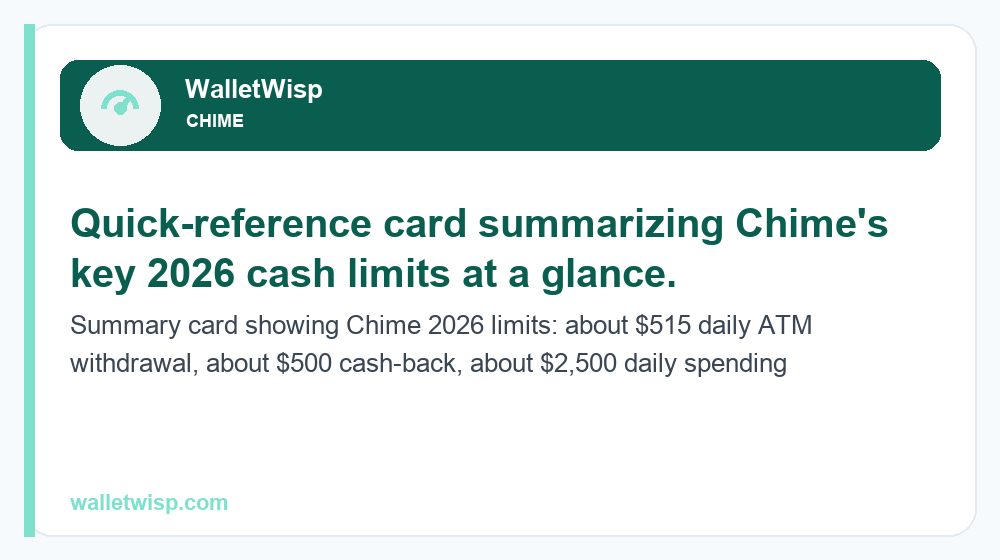
For most members, the Chime ATM withdrawal limit is approximately $515 per day. This is a shared ceiling: if you have both a Chime Checking (debit) card and a Credit Builder card, the $515 applies to the total pulled from ATMs that day, not per card. Chime does not publish a formal monthly ATM cap, but very high cumulative activity can trigger security holds.
It’s important to separate the different limits Chime enforces, because people often confuse “how much I can spend” with “how much cash I can take out.” They are governed by different rules:
- ATM withdrawal limit: ~$515/day in physical cash from ATMs.
- Over-the-counter (OTC) withdrawal limit: ~$500/day in cash from a bank teller or Chime partner location.
- Cash-back at checkout: ~$500/day, often on top of your ATM access depending on how limits are applied.
- Daily spending/purchase limit: typically up to ~$2,500/day for card purchases – far higher than the cash limit.
These figures are typical and approximate. Chime can adjust individual limits based on account history, verification status, and fraud signals, so your exact numbers may vary. Always confirm current limits in the app before relying on a specific amount.
Chime cash and spending limits at a glance
Here’s how the main daily limits compare in 2026. Treat these as typical maximums, not guarantees – newer accounts sometimes start lower.
| Limit type | Typical daily amount | Notes |
|---|---|---|
| ATM cash withdrawal | ~$515 | Combined across all Chime cards |
| Over-the-counter (teller) withdrawal | ~$500 | At banks/partner locations with a valid ID |
| Cash-back at retail checkout | ~$500 | Free at participating stores; limit set by retailer too |
| Debit card purchases (spending) | up to ~$2,500 | Point-of-sale and online purchases |
| Daily card transactions (count) | ~30 transactions | Number of separate charges/withdrawals |
Notice that your spending power is much larger than your cash-out power. If you need to pay for something over $515, using the card directly (or a Chime transfer) is usually smarter than trying to withdraw cash.
Chime ATM fees: in-network vs out-of-network
Chime’s biggest selling point is its fee-free ATM network. In 2026, you can withdraw cash with no Chime fee at 60,000+ ATMs across three networks:
- MoneyPass – widely found in convenience stores and bank branches.
- Allpoint – common in retailers like CVS, Walgreens, Target, and Kroger.
- Visa Plus Alliance – additional partner ATMs nationwide.
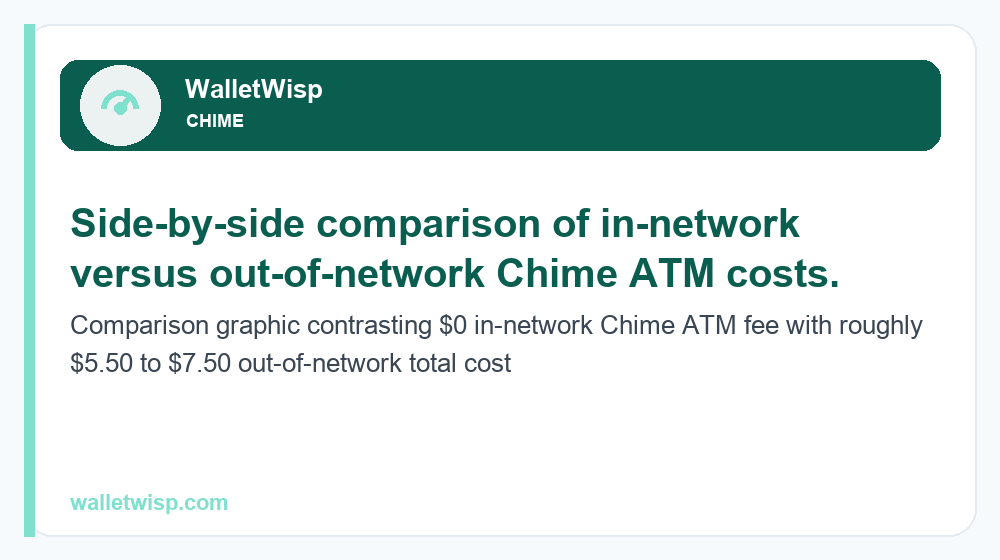
Use one of these and you’ll typically pay $0. Step outside the network and Chime charges about $2.50 per withdrawal, and the ATM’s owner will usually add their own surcharge (commonly $3-$5), so a single out-of-network cash grab can cost $5.50-$7.50 or more.
Chime ATM and cash fee comparison
The table below shows what you can expect to pay in each scenario. Operator surcharges are set by the ATM owner, not Chime, and are shown on-screen before you confirm.
| Cash access method | Chime fee | Extra/operator fee | Typical total cost |
|---|---|---|---|
| In-network ATM (MoneyPass/Allpoint/Visa Plus) | $0 | $0 | $0 |
| Out-of-network ATM | ~$2.50 | ~$3.00-$5.00 | ~$5.50-$7.50 |
| Cash-back at retail checkout | $0 | Usually $0 | $0 |
| Over-the-counter (teller) | $0 from Chime* | Bank may charge | Varies |
| Balance inquiry at out-of-network ATM | May apply | Operator may charge | Small |
*Chime doesn’t charge for OTC withdrawals, but a partner bank facilitating the cash advance may charge its own fee. Ask before you sign.
Cash-back at checkout: the smart way to get more cash
If you’ve hit or want to avoid ATM fees, cash-back at the register is the single best trick. Run your Chime debit card as a purchase at a grocery store, pharmacy, or big-box retailer and request cash back. It’s free, and because it’s processed as a debit purchase rather than an ATM withdrawal, it can extend your effective daily cash access beyond the ~$515 ATM ceiling.
Retailers set their own cash-back caps – often $20 to $100 per transaction, sometimes higher at grocery chains. By spreading requests across a couple of stores, many members access several hundred dollars in cash without paying a cent in fees. This is often the fastest way around the standard Chime ATM withdrawal limit.
Cash-back tips
- Choose “Debit” and enter your PIN so the transaction qualifies for cash back.
- Make a small purchase (even a pack of gum) to trigger the cash-back option.
- Watch your daily spending/transaction counts – cash back still draws from your balance.
Over-the-counter (OTC) withdrawals at banks
You can also walk into many banks and request an over-the-counter cash advance on your Chime Visa card. The OTC limit is typically around $500 per day. You’ll need a government ID and your physical card. Chime doesn’t charge for this, but the bank performing the transaction may assess a fee, so it’s best used when an ATM isn’t practical or you need a specific amount.
How to find free Chime ATMs and get more cash in the app
Chime’s app makes it easy to avoid fees and manage your cash access. Here’s how to use it:
- Open the Chime app and tap the ATM/map icon (often under “Move money” or the card section).
- Use the ATM Finder to see fee-free MoneyPass, Allpoint, and Visa Plus Alliance machines near you on a live map.
- Filter for in-network ATMs so you never accidentally pay an out-of-network fee.
- Check your limits in account settings or by contacting support if you’re unsure of your current daily cap.
- Plan larger cash needs by combining an in-network ATM run with cash-back at checkout over the same day.
If you regularly need more than the standard limits, consider whether a different account structure fits you better. Our Chime vs Varo 2026 comparison breaks down how these two popular fee-free accounts stack up on limits and features, and the Chime vs Cash App guide compares cash access and instant-transfer options side by side.
What to do if you hit your Chime ATM withdrawal limit
Reached the ~$515 ATM ceiling and still need cash? Try these options in order:
- Cash-back at checkout – free and separate from ATM limits.
- Over-the-counter withdrawal at a bank – up to ~$500.
- Wait until the limit resets – limits refresh on a rolling 24-hour basis (usually reset overnight).
- Use your card directly for purchases instead of withdrawing cash, since the spending limit is much higher.
If you’re short before payday, features like Chime SpotMe can cover eligible debit-card purchases and ATM withdrawals without overdraft fees, provided you qualify – a useful backstop when your balance runs low near the end of a pay cycle.
Frequently Asked Questions
What is the daily ATM withdrawal limit for Chime?
The Chime ATM withdrawal limit is typically about $515 per day, combined across all your Chime cards. This is a rolling 24-hour limit that resets, not a per-transaction cap. Your specific limit may differ based on account history, so check the app to confirm.
Does Chime charge a fee to use an ATM?
No, if you use an in-network ATM. Chime has 60,000+ fee-free ATMs through MoneyPass, Allpoint, and Visa Plus Alliance. Out-of-network ATMs cost about $2.50 from Chime plus the operator’s surcharge, often totaling $5.50-$7.50 per withdrawal.
How can I withdraw more than $515 from Chime in one day?
Use fee-free cash-back at retail checkout, which is processed as a purchase and generally sits outside the ATM limit. You can also get an over-the-counter cash advance at a bank (up to ~$500). Combining methods lets you access more cash in a single day without ATM fees.
What is Chime’s cash-back limit at stores?
Cash-back at checkout is typically capped around $500 per day on Chime’s side, but individual retailers also set their own per-transaction limits, often $20-$100. Spreading requests across a couple of stores helps you reach higher amounts fee-free.
Is the Chime spending limit the same as the ATM limit?
No. Your daily debit-card purchase (spending) limit is much higher – typically up to about $2,500 per day – while cash withdrawals from ATMs are limited to roughly $515. If you need to pay a large amount, using the card directly is better than withdrawing cash.
How do I find a free Chime ATM near me?
Open the Chime app and use the built-in ATM Finder/map. Filter for in-network MoneyPass, Allpoint, and Visa Plus Alliance machines to avoid fees. Popular retailers like CVS, Walgreens, Target, and Kroger often host Allpoint ATMs.
Can I withdraw cash from a Chime card at a bank teller?
Yes. You can request an over-the-counter cash advance at many banks using your Chime Visa card and a government ID, typically up to about $500 per day. Chime doesn’t charge for this, but the bank performing the transaction may add its own fee.
When does the Chime ATM limit reset?
Chime’s ATM and cash limits work on a rolling 24-hour basis and generally reset overnight. If you’ve hit your daily ceiling, you can usually withdraw again the next day, or use cash-back at checkout in the meantime as a fee-free workaround.