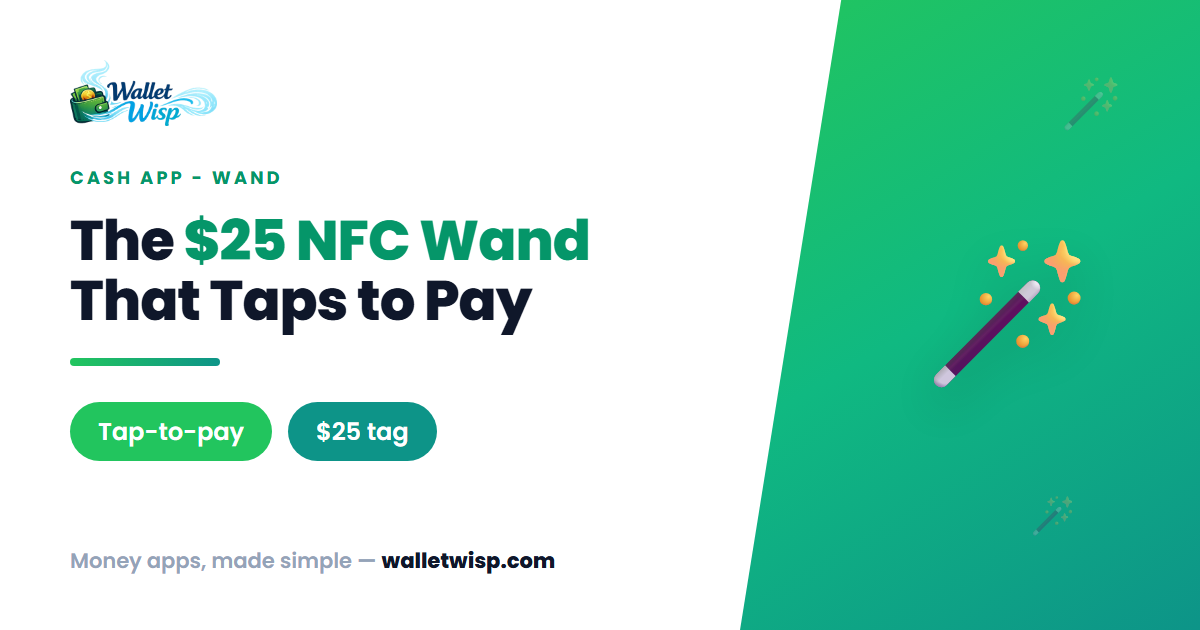
In June 2026, Block’s Cash App did something no other major money app had tried: it turned a payment card into a keychain charm. The Cash App Wand is a small, pearlescent “magic wand” you tap against a checkout terminal to pay — no phone, no plastic card, no unlocking anything. It’s the first product in a new line called Cash App Tags, and the launch edition sold for $25 to eligible Cash App Card holders.
If you snagged one (or are thinking about it), here’s exactly what the Wand is, how it works, and how to activate it in a couple of minutes.
What Is the Cash App Wand?
The Cash App Wand is a physical, NFC-enabled payment accessory that links to your existing Cash App Card. It uses the same contactless tap-to-pay technology as the chip inside your Cash App Card, draws from the same Cash App balance, and lives under the same account. In other words, it isn’t a separate wallet — it’s a second “form factor” for the money you already have in Cash App.
The Wand ships with a built-in keychain loop, so you can clip it to your keys, a bag, or a lanyard. Because it relies on NFC, it needs no Wi-Fi, Bluetooth pairing, battery, or charging. You simply hold it to a reader, and the payment goes through.
Cash App positioned the Wand as the debut “Tag,” with additional limited-edition designs promised in the weeks and months after launch. The broader Tags lineup is described as starting at $30, but the original Wand edition launched at $25 for Cash App Card holders, while supplies lasted.
Where the Wand Works
The Wand pays anywhere Visa® contactless is accepted. If you see the contactless “wave” symbol on a terminal, the Wand should work there. That covers a huge share of everyday spending:
- Grocery stores and pharmacies
- Coffee shops, fast food, and restaurants
- Vending machines
- Transit systems that accept contactless fares
- Most major retailers with updated payment terminals
It will not work at older terminals that only accept swipe or chip-insert, and it can’t be used for online purchases — there’s no card number to type in. For those, you still use your Cash App Card.
Wand at a Glance
| Detail | What to know |
|---|---|
| Launch price | $25 for Cash App Card holders (while supplies last) |
| Broader Tags line | Starts at $30, varies by design |
| Technology | NFC contactless (same as your card’s tap-to-pay chip) |
| Accepted where | Anywhere Visa contactless is accepted |
| Funding source | Your existing Cash App balance |
| Age eligibility | 13+ (13–17 with a sponsored account) |
| Requirement | Active Cash App Card + PIN |
Before You Activate: What You Need
Activation is quick, but only if the basics are in place first:
- An active Cash App Card. The Wand is an extension of your card, not a standalone product. You must have ordered and activated a Cash App Card (and set a PIN) before you can activate a Wand.
- A funded Cash App balance. The Wand pulls directly from your Cash App balance. There’s no minimum balance to activate it, but you’ll need money in the balance to actually spend.
- The physical Wand in hand. Tags are mailed to a physical U.S. address (no P.O. boxes). You activate the device by tapping it against your phone.
How to Activate the Cash App Wand: Step by Step
- Open Cash App and go to the Money tab. Swipe down on your balance to reveal your card and Wand.
- Tap “Activate.” You’ll see the activation flow specifically for your Wand.
- Review and accept the terms. Read the activation steps and associated terms, then tap “Accept terms” to continue.
- Position your phone and Wand — the method depends on your device:
- iPhone: Remove your phone case, lay the phone flat screen-up, and place the Wand on the screen with the gem facing up, over the front camera. Tap “Start activation” and keep both the phone and Wand still for up to one minute.
- Android: Remove your phone case and hold the Wand against the back of the phone, behind the on-screen star graphic. Press firmly and hold until the progress bar reaches 100%.
- Wait for confirmation. Once the app confirms activation, your Wand is linked and ready to tap.
Tip: If activation stalls, the most common culprits are a phone case blocking the NFC signal or moving the device mid-scan. Take the case off, hold everything steady, and try again.
A Worked Example
Say you have $40 in your Cash App balance and stop for coffee. You tap the Wand against the contactless reader; the $6.50 charge draws straight from that balance, leaving you $33.50. The transaction shows up instantly in your Cash App Activity feed, just like a card tap, and you get a real-time alert. If your balance were $0, the tap would decline — the Wand can only spend what’s in your Cash App balance (unless you’ve set up a linked funding source in the app).
Security: What Happens If You Lose It
Because the Wand rides on your keychain, Cash App built in the same protections as its cards. You get 24/7 fraud monitoring, real-time transaction alerts, and Zero Fraud Liability coverage against unauthorized charges. Most importantly, the Wand has independent controls: you can instantly lock, unlock, or deactivate it in the app without touching your Cash App Card. So if the Wand goes missing, you can shut it off in seconds and keep using your card normally.
Frequently Asked Questions
Do I need a Cash App Card to use the Wand?
Yes. The Wand is tied to your Cash App Card and account — it isn’t a standalone card. You must have an active Cash App Card with a PIN before you can order or activate a Wand.
Does the Wand cost anything to use after the $25 purchase?
There’s no separate fee to tap the Wand and no minimum balance or activity requirement. Purchases draw directly from your Cash App balance, and standard Cash App terms apply to those transactions.
Can I use the Wand for online shopping or at any store?
No to online — there’s no card number to enter. In person, it works anywhere Visa contactless is accepted (look for the “wave” symbol). Older swipe- or chip-only terminals won’t accept it; use your card there instead.
What if my Wand is lost or stolen?
Open Cash App and lock or deactivate the Wand immediately. Its controls are separate from your Cash App Card, so disabling the Wand doesn’t affect your card, and Zero Fraud Liability covers unauthorized charges.
The Bottom Line
The Cash App Wand is a playful but genuinely useful spin on contactless payments: a $25 NFC keychain tag that spends your Cash App balance anywhere Visa contactless is accepted. Activation takes about a minute — funded card, accept the terms, tap the Wand to your phone — and the same fraud protection and instant lock controls as your card come along for the ride. If you already lean on Cash App for daily spending, it’s a low-cost way to leave your phone in your pocket.
WalletWisp is an informational resource, not financial advice. Fees, prices, and availability can change — confirm current details in the Cash App before you buy or activate.